In luxury packaging, the difference between a good box and an exceptional one lies in the details long before production begins. Whether you are designing bespoke jewelry boxes or high-end watch packaging, your design file is the blueprint that translates creative vision into a tangible product.
For brands working with premium manufacturers, preparing your design files correctly is not just a technical step; it’s a strategic move. Proper file setup ensures color accuracy, structural integrity, and a seamless production process, all of which are critical in delivering packaging that reflects your brand’s value.
As part of this guide to ordering wholesale jewelry boxes, we will cover how to prepare artwork for custom packaging and how to send packaging design files to the manufacturer, so you can reduce errors, avoid delays, and make sure the final packaging meets high luxury standards.
What Are Production-Ready Design Files for Packaging?
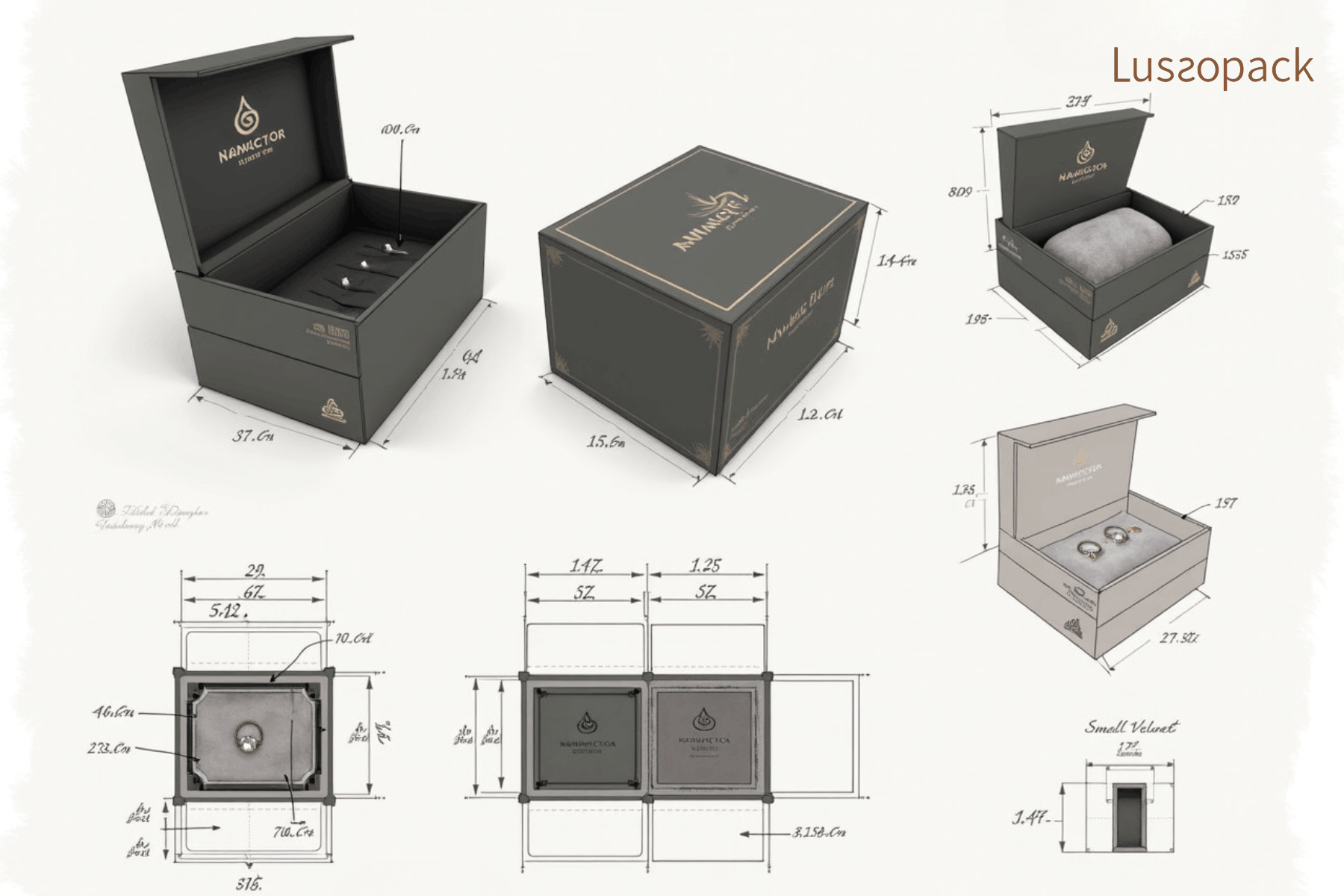
Before diving into technical specifications, it’s important to understand what “production-ready” truly means in packaging.
A production-ready file is a technically optimized document that communicates every detail required for manufacturing. This includes dimensions, materials, print finishes, and structural elements.
In luxury packaging, where materials such as rigid board, velvet linings, or embossed logos are common, even the smallest misalignment or color inconsistency can compromise the final product.
Start with the Correct Dieline for Custom Packaging Design

Why the Dieline Is Your Foundation
A dieline is the structural template of your packaging; it defines where the material will be cut, folded, glued, or embossed. Without an accurate dieline, even the most beautiful design cannot be executed properly.
Key Elements of a Dieline
When working with a manufacturer like Lussopack, you’ll typically receive a dieline that includes:
- Cut lines (usually solid lines)
- Fold lines (dashed lines)
- Bleed areas
- Safe zones
Always design directly on the provided dieline rather than creating your own. This ensures compatibility with the manufacturer’s tooling and machinery.
Best Practice
Lock the dieline layer in your design software and keep it separate from your artwork layers. This prevents accidental modifications that could disrupt production accuracy.
Set Up Bleed, Trim, and Safety Margins for Custom Box Design
Why Margins Matter in Luxury Packaging
In high-end packaging, precision is everything. Even a 1 mm shift during cutting can affect alignment, especially for symmetrical designs or patterns.
Essential Guidelines
- Bleed area: Extend your artwork at least 3–5 mm beyond the cut line
- Trim line: The final cut edge of your packaging
- Safe zone: Keep logos and text at least 3–5 mm inside the trim line
These margins ensure that no critical design elements are accidentally cut off during production.
Choose the Right Colour Mode for Custom Packaging Production
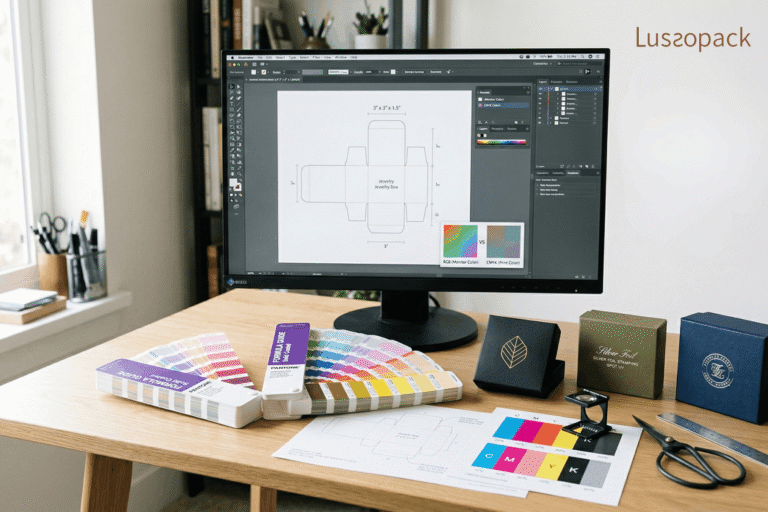
CMYK vs. RGB: A Critical Distinction
One of the most common mistakes designers make is working in RGB color mode, which is optimized for screens, not print.
For packaging production, always use:
- CMYK color mode for standard printing
- Pantone (PMS) colors for precise brand color matching
Why This Matters for Luxury Brands
Luxury packaging often relies on signature colors, deep blacks, rich golds, or specific brand hues. Using Pantone ensures consistency across different materials and print runs.
Pro Tip
When designing metallic finishes like foil stamping, don’t rely on color alone. Instead, create separate layers clearly labeled for finishes such as:
- Gold foil
- Silver foil
- Spot UV
Organise Layers Clearly for Better Packaging File Preparation
Why Layer Organization Is Essential
A well-organized file reduces confusion during prepress and production. It allows manufacturers to quickly identify which elements correspond to printing, cutting, or special finishes.
Recommended Layer Structure
- Dieline layer (locked)
- Artwork layer
- Text layer
- Finishes layer (foil, emboss, deboss, UV)
Each layer should be clearly labeled and color-coded if possible.
Convert Fonts & Link Images Correctly in Design Files for Packaging
Avoid Missing Fonts
Always convert text to outlines before sending your file. This ensures that your typography appears exactly as intended, regardless of whether the manufacturer has your fonts installed.
Embed or Link High-Resolution Images
- Use images at 300 DPI resolution
- Ensure all linked images are included in your file package
- Avoid low-resolution graphics, which can appear pixelated when printed
For luxury packaging, clarity and sharpness are non-negotiable, especially for intricate patterns or fine typography.
Show Finishes & Special Effects Clearly in Custom Packaging Design Files
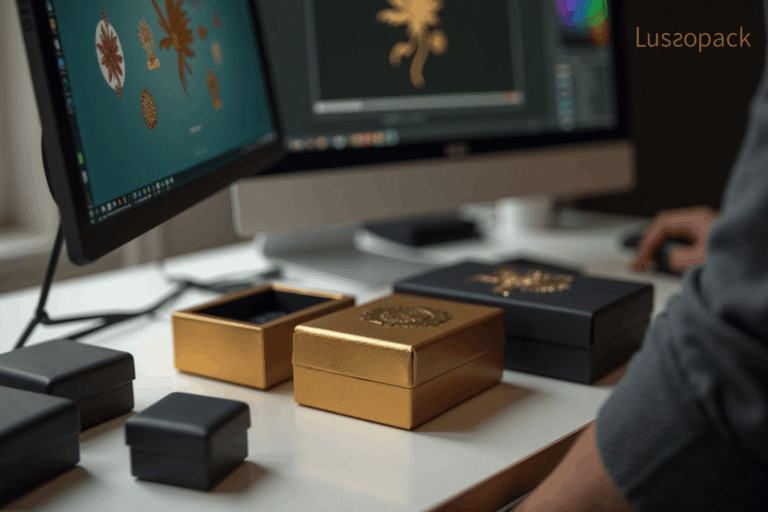
Bringing Luxury Packaging to Life
Special finishes are what elevate packaging from functional to exceptional. However, they require precise instructions in your design file.
Common Finishes to Include
- Foil stamping (gold, silver, rose gold)
- Embossing/debossing
- Spot UV coating
- Soft-touch lamination
How to Indicate Finishes
Use separate vector layers with clearly labeled spot colors (e.g., “FOIL_GOLD”). Avoid rasterizing these elements; vector paths ensure precision during production.
Double-Check Dimensions and Scaling Before Sending Packaging Production Files
Avoid Costly Production Errors
Incorrect dimensions can lead to misfitting inserts, improper closures, or wasted materials. Even small measurement mistakes can affect both production efficiency and overall packaging costs, especially when materials, inserts, or box structures need to be revised later. If you are still planning your budget, it also helps to review packaging prices and cost calculation before finalizing your files.
Always verify:
- Box dimensions (length × width × height)
- Material thickness (especially for rigid boxes)
- Insert sizing for products (e.g., watches or jewelry)
Pro Tip
Print a physical mockup on paper and assemble it. This simple step can reveal structural issues before production begins.
Export Design Files for Packaging in the Right Format
Preferred File Formats for Packaging Production
Most manufacturers, including Lussopack, prefer:
- Adobe Illustrator (.AI)
- Print-ready PDF (PDF/X-1a or PDF/X-4)
Export Checklist
- Include bleed settings
- Preserve vector elements
- Embed color profiles
- Ensure no hidden layers or stray objects remain
Work with a Manufacturer That Can Also Support Your Packaging Design
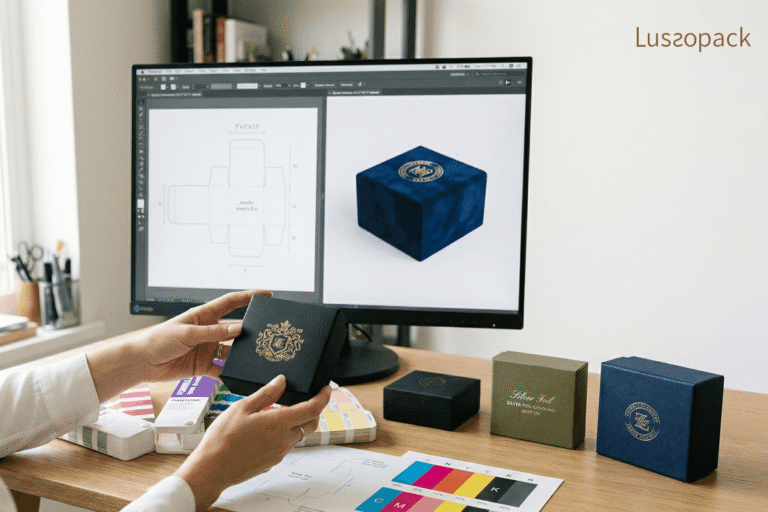
Even when your design files are well prepared, working with a manufacturer that offers design support can make the process smoother and more effective. This is especially important for luxury packaging, where structure, material selection, and visual presentation all need to work together.
At Lussopack, support goes beyond file review. Our professional design team can collaborate with you to understand your brand vision and develop high-end packaging and display solutions that reflect your identity and practical needs.
This collaboration may include:
- Design consultation and packaging development
- Prepress file checks
- Material recommendations
- Prototype sampling
By combining thoughtful design, premium materials, and experienced production support, Lussopack helps ensure your packaging is not only visually refined but also functional, durable, and ready for real-world use.
Common Mistakes to Avoid in Packaging File Preparation
Overlooking Material Constraints
Designing without considering materials (e.g., rigid board vs. folding carton) can lead to impractical or unproducible designs.
Ignoring Finishing Tolerances
Embossing, foil stamping, and cutting all have tolerances. Designs that are too tight or overly intricate may not translate well in production.
Sending Unflattened Files
Always clean up your file before submission, remove unused swatches, hidden layers, and unnecessary elements.
The Role of Sustainability in Packaging File Preparation
Luxury today is not just about aesthetics; it’s also about responsibility.
When preparing your design files, consider:
- Minimizing ink coverage where possible
- Designing for recyclable materials
- Avoiding unnecessary complexity that increases waste
Efficient file preparation contributes to more sustainable production processes, aligning with modern luxury values.
Final Summary
Preparing design files correctly is an essential part of creating packaging that looks polished, works as intended, and reflects the true value of your brand. From dielines and colour settings to finishes and production specifications, every detail plays a role in the final result. At Lussopack, we do more than manufacture boxes. We also support clients through the design preparation stage, helping turn ideas into production-ready packaging with greater accuracy and confidence. With strong expertise in custom jewelry packaging, our team understands the structural, visual, and material considerations required to create packaging that elevates both product presentation and brand identity. If you are planning your next jewelry packaging project, contact Lussopack to explore tailored solutions for the luxury market.